Top 6 compared
The best PC controllers
Lean back and play PC games with thumbsticks and triggers instead of a keyboard and mouse.

As an Amazon Associate we earn from qualifying purchases. It costs you nothing extra. How this works
The top 6 at a glance
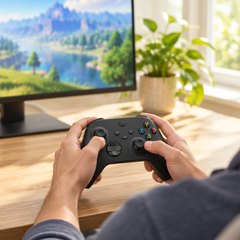
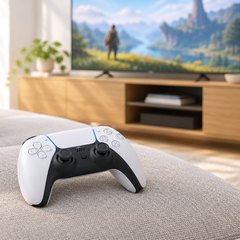
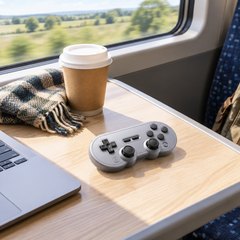
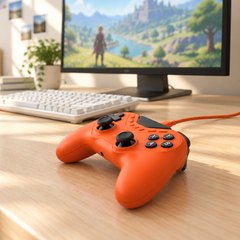
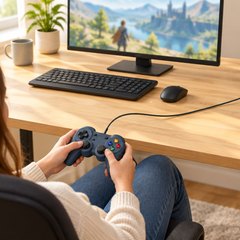
A gamepad is the controller you hold in both hands, with two thumbsticks and buttons under your thumbs and fingers. On a PC, racing, sports, platformers and a lot of action games feel better on one, while shooters and strategy games still suit a keyboard and mouse. Wireless pads link up by Bluetooth or a small USB dongle; wired ones need no batteries and no pairing.
Every controller here works with Windows, though not all as simply: Microsoft’s Xbox pad is plug-and-play on a PC, while Sony points DualSense owners to Steam or the game’s publisher to see which games support theirs. Some pads here have Hall effect or TMR sticks, which read their position with magnets instead of parts that rub; makers sell them on resisting drift.
What matters
- A 2.4 GHz dongle, if wireless lag would bother you.
- Back buttons, to jump or reload without lifting a thumb.
- Pairing with a Switch, Steam Deck or phone as well.
- Rumble, which some pads leave out.
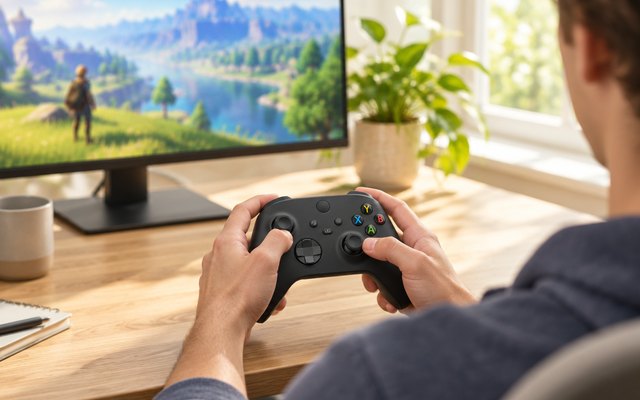
#1Xbox Wireless Controller (Carbon Black)
$30–$50
Microsoft’s own controller is plug-and-play on a Windows PC over USB-C and pairs by Bluetooth, so it moves between an Xbox, a phone and a laptop. The higher scorers below each lean one way, toward a PS5, a retro layout or extra buttons for serious play; Windows supports this one natively, and it’s the pad most PC players expect.
Heads up: It runs on two AA batteries rather than a built-in battery, and the USB-C cable for wired play (and for the button-mapping app on Windows) is sold separately, so have both ready.
A closer look: Microsoft’s Xbox Accessories app on Windows remaps buttons and saves profiles for different games, which you can switch between on the fly. A 3.5mm jack takes a wired headset for voice chat. With a Game Pass subscription, the same pad also plays Xbox Cloud Gaming on phones, smart TVs and gaming handhelds.
- Share button for clips
- Textured grip on triggers, back
- 3.5mm headset jack
- Remap buttons in an app
Best for: One pad for PC, Xbox and phone
- Connection
- Xbox Wireless, Bluetooth, USB-C
- Also works with
- Xbox Series X|S, Xbox One, Android, iPhone
- Sticks
- Standard
- Extra buttons
- None
- Power
- 2 AA batteries
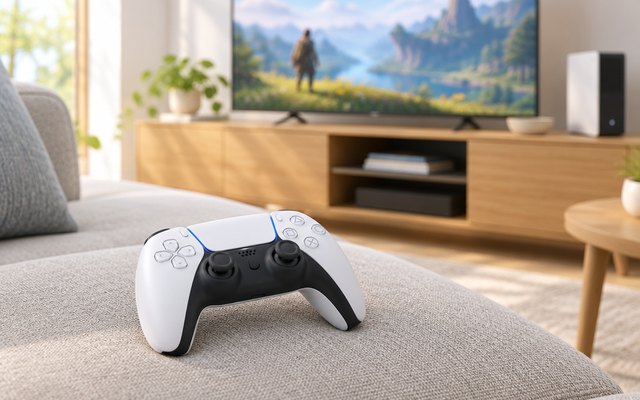
#2PlayStation DualSense Wireless Controller
$50–$75
Sony’s PS5 controller also pairs with a Windows PC or a Mac over Bluetooth or USB-C, so one pad covers the console and the computer. Sony points PC players to Steam, where thousands of games support it, and its haptic feedback and adaptive triggers, which push back as you squeeze them, come alive in the PC games built for them.
What owners say: Owners rate the build quality and how good it feels in the hand, with a texture described as luxurious, and they like the color choices. The complaints are about how long it lasts: battery life and durability get mixed reports, with some finding it stops taking a charge, and several mention stick drift after about six months.
A closer look: Sony says haptic feedback in PC games needs a USB connection, and adaptive triggers may in some games, so keep a USB-C cable handy for those. Its free PlayStation Accessories app updates the firmware straight from Windows. The controller can stay paired with up to four Bluetooth devices, which makes hopping between a PC, a Mac and a phone quick.
- Haptic feedback
- Adaptive triggers push back
- Built-in mic, mute button
- 3.5mm headset jack
- Pairs with four devices
Best for: PS5 owners who also play on PC
- Connection
- Bluetooth, USB-C
- Also works with
- PS5, Mac, Android, iPhone
- Sticks
- Standard
- Extra buttons
- None
- Power
- Built-in rechargeable
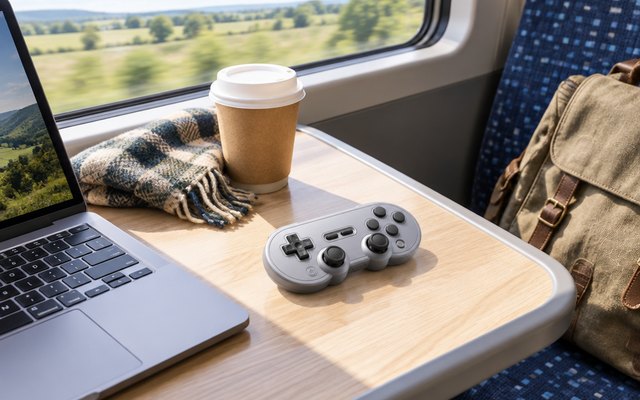
#38BitDo SN30 Pro Bluetooth Controller (Hall Effect, Gray)
$30–$50
Shaped like a classic Super Nintendo pad but with two clickable Hall effect sticks, rumble and four shoulder buttons, it suits platformers, emulated classics and indie games. It pairs with more here than any other pad: Windows, Mac, Steam Deck, Switch and Switch 2, Android, iPhone and iPad, even an Apple TV.
What owners say: Owners say it works flawlessly across their devices and pairs over Bluetooth without fuss. They like the satisfying buttons, the solid build and the smooth, precise Hall effect sticks, and the battery impresses them, one playing for hours on a single charge. Older and retro games are where they enjoy it most.
A closer look: Small and light at about 4 oz, it slips into a bag with a laptop or a Steam Deck far more easily than a full-size pad. A full charge over USB-C takes one to two hours, and the same cable turns it into a wired controller. Motion controls work on Switch only, so on a PC the sticks and buttons do all the work.
- Classic Super Nintendo shape
- Clickable sticks
- Rumble and turbo
- Pairs with Apple TV too
- About 4 oz (114 g)
Best for: Retro and 2D games, and travel
- Connection
- Bluetooth, USB-C
- Also works with
- Switch, Mac, Steam Deck, Android, iPhone
- Sticks
- Hall effect
- Extra buttons
- None
- Power
- Rechargeable, 18 hours
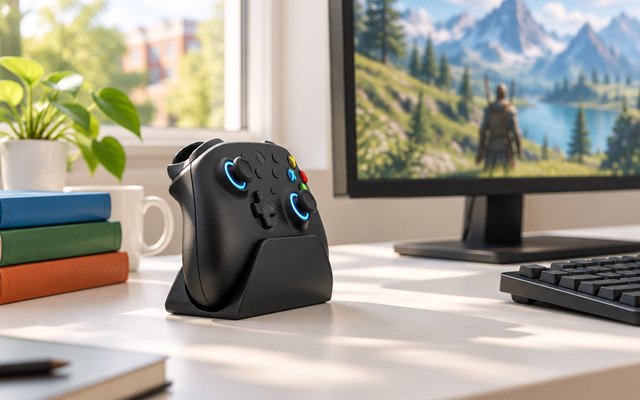
#48BitDo Ultimate 2 Wireless Controller
$50–$75
A full-size wireless pad with the extras serious players look for: TMR sticks, triggers that switch between smooth Hall effect travel and short tactile clicks, two back paddles plus extra R4 and L4 bumpers, and 8BitDo’s 2.4 GHz dongle, rated at 1000 Hz. The charging dock comes in the box.
What owners say: Owners rank it ahead of other pads they own, with buttons that are easy to map, a comfortable shape and TMR sticks they single out, and they’re pleased with the battery life and the look. The triggers divide opinion, clicky and responsive to some and unsatisfying to others, and it doesn’t work with an Xbox One.
A closer look: Leave it on the dock between sessions and it’s charged for the next one. With the dock plugged into the PC, 8BitDo says the wireless signal reaches further, handy when the computer lives under a desk. Button mapping and motion aiming, which works in 2.4 GHz mode, are set up in 8BitDo’s Ultimate Software.
- Triggers switch smooth or clicky
- Dock extends wireless range
- Motion aiming in dongle mode
- Remap buttons in an app
Best for: Wireless play with back buttons
- Connection
- 2.4 GHz dongle, Bluetooth, wired
- Also works with
- Android, iPhone, Mac, Steam Deck
- Sticks
- TMR
- Extra buttons
- 4: 2 back paddles, R4/L4
- Power
- Rechargeable, charging dock
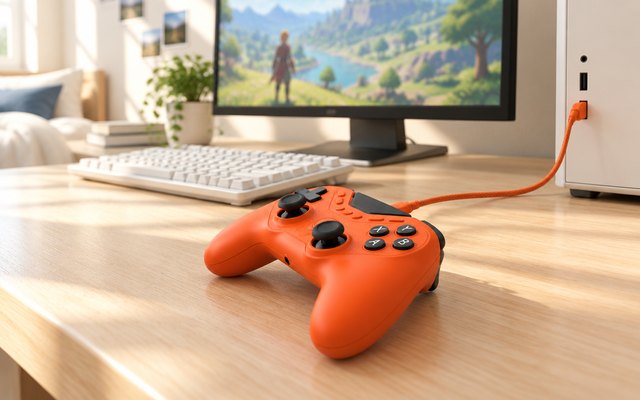
#5GameSir Tarantula 8K PC Wired Controller
$50–$75
Made for competitive PC play: plugged in, it reports to the computer up to 8,000 times a second, and its drift-resistant TMR sticks and Hall effect triggers, which flip to short, clicky micro-switch stops, keep inputs quick and consistent. Nine extra buttons, two of them lockable back buttons, each take macros of up to 32 steps.
What owners say: Owners find it light and well made, and they rate the customization options and how responsive it is in play. The buttons themselves get mixed reports on responsiveness.
Heads up: GameSir left out vibration motors, so it won’t rumble in games. It weighs about 6.3 oz.
A closer look: Mapping, macros and performance settings live in GameSir Connect on the PC, and the back buttons can be locked off for games where a stray press would cost you. The 6.6 ft USB-C cable detaches for packing. GameSir also lists wired play on Switch and Android, though the 8000 Hz rate works on a PC only.
- Reports 8,000 times a second
- Triggers switch to clicky stops
- Lockable back buttons
- 32-step macros
- 6-axis gyro aiming
Best for: Esports and macro-heavy games
- Connection
- Wired USB-C, 6.6 ft
- Also works with
- Switch, Android (wired)
- Sticks
- TMR
- Extra buttons
- 9: 2 back, 2 bumpers, 5 front
- Power
- USB cable
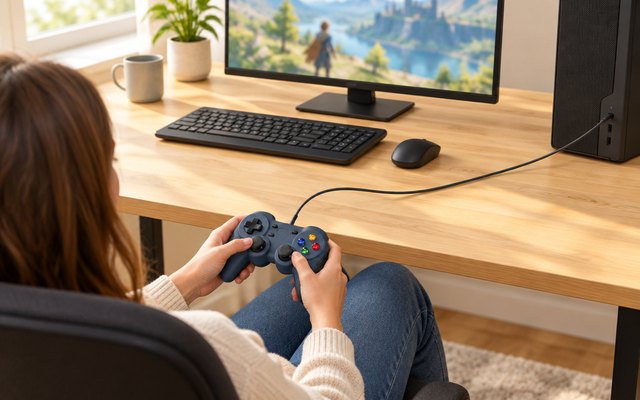
#6Logitech G F310 Wired Gamepad
$10–$20
Plain and wired, with nothing to install: plug it into a USB port and Windows picks it up, and a switch underneath swaps between XInput and DirectInput for older PC games. The floating D-pad rests on four switches rather than one pivot, so quick changes of direction register cleanly.
What owners say: Owners like the price, find it easy to set up and say it works across Windows 10, Mac, Steam and RetroPie setups. Opinions on the feel are split: some find it fits nicely with responsive buttons, others find it awkward to hold, with buttons that stick and a cheap-feeling build.
A closer look: Keep the switch on XInput for current games and move it to DirectInput only for an older title that asks for it. Logitech lists no vibration, so it won’t rumble, but there’s nothing to charge or pair either. It also makes an easy spare for a second player on couch co-op nights.
- Toggle for older PC games
- D-pad catches quick direction changes
- Xbox 360 button layout
- Map keyboard keys to buttons
- Nothing to charge or pair
Best for: A spare for couch co-op
- Connection
- Wired USB, about 6 ft
- Also works with
- ChromeOS, Android TV
- Sticks
- Standard
- Extra buttons
- None
- Power
- USB cable
How they compare
Swipe sideways or rotate device to see all 6.
| Feature | #1Xbox Wireless | #2DualSense | #38BitDo SN30 Pro | #48BitDo Ultimate 2 | #5GameSir Tarantula 8K | #6Logitech F310 |
|---|---|---|---|---|---|---|
| Best overall | Best for PS and PC | Most compatible | Best wired | Best budget | ||
| Picked Rating | 8.8 | 9.3 | 9.2 | 9.0 | 8.9 | 8.6 |
| Price | $30–$50 | $50–$75 | $30–$50 | $50–$75 | $50–$75 | $10–$20 |
| Connection | Xbox Wireless, Bluetooth, USB-C | Bluetooth, USB-C | Bluetooth, USB-C | 2.4 GHz dongle, Bluetooth, wired | Wired USB-C, 6.6 ft | Wired USB, about 6 ft |
| Also works with | Xbox Series X|S, Xbox One, Android, iPhone | PS5, Mac, Android, iPhone | Switch, Mac, Steam Deck, Android, iPhone | Android, iPhone, Mac, Steam Deck | Switch, Android (wired) | ChromeOS, Android TV |
| Sticks | Standard | Standard | Hall effect | TMR | TMR | Standard |
| Extra buttons | None | None | None | 4: 2 back paddles, R4/L4 | 9: 2 back, 2 bumpers, 5 front | None |
| Power | 2 AA batteries | Built-in rechargeable | Rechargeable, 18 hours | Rechargeable, charging dock | USB cable | USB cable |
| Best for | One pad for PC, Xbox and phone | PS5 owners who also play on PC | Retro and 2D games, and travel | Wireless play with back buttons | Esports and macro-heavy games | A spare for couch co-op |
| Buy now | Amazon | Amazon | Amazon | Amazon | Amazon | Amazon |
Photos are illustrative, some computer-generated. As an Amazon Associate we earn from qualifying purchases. It costs you nothing extra. How we pick · How this works.