Top 5 compared
The best printers
Forms, boarding passes, homework and the occasional photo, printed, scanned or copied at home.

As an Amazon Associate we earn from qualifying purchases. It costs you nothing extra. How this works
The top 5 at a glance
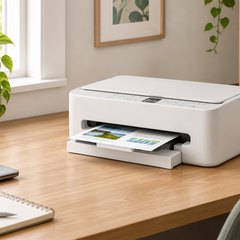
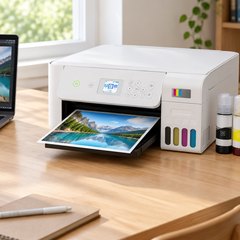
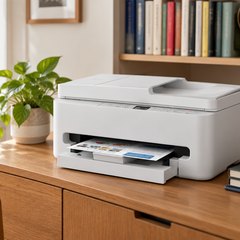
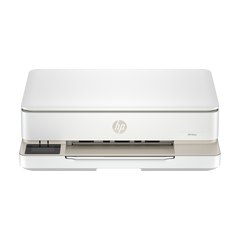
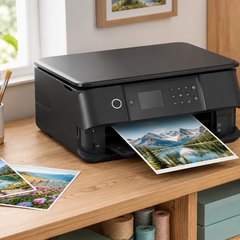
A home all-in-one is an inkjet printer with a scanner glass under the lid, and it takes jobs over Wi-Fi from a phone, a tablet or a computer. Most run on cartridges made by the printer’s maker, either one for each color, or a black and a single tri-color one that’s replaced whole; an ink tank printer takes its ink from bottles instead.
Cartridge printers cost less to buy, and the ink is where most of the running cost lies. An ink tank costs more at the start, and Epson says its bottled ink works out far cheaper per page. The speeds in the table are the makers’ own figures for black pages.
What matters
- Automatic two-sided printing, for long documents and school packets.
- A document feeder for scanning or copying several pages at once.
- A photo tray and photo black ink, for regular photo printing.
- Whether the printer accepts other brands’ ink or cartridges.
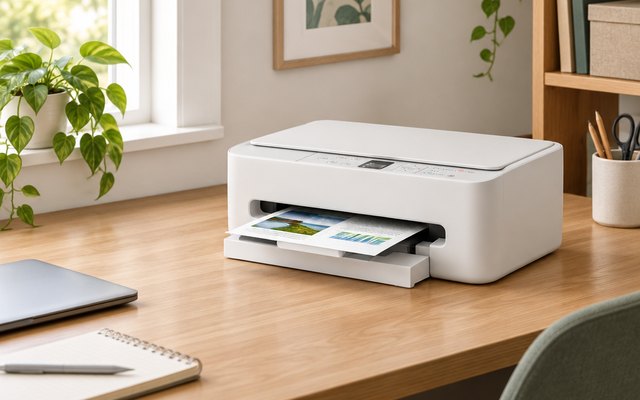
#1Canon PIXMA TS6520 Wireless All-in-One Printer
$75–$100
A compact color all-in-one that prints, scans and copies, prints on both sides of the page by itself and handles borderless photos up to letter size. Canon pairs a pigment black cartridge for sharp text with a tri-color one, and dual-band Wi-Fi keeps it connected.
What owners say: Text and pictures come out crisp, owners say, and it fits a small space and handles double-sided pages well. The Wi-Fi link drops for some, and opinions split on ink costs and color prints.
A closer look: The 1.42-inch screen shows ink levels and status, while the Canon PRINT app, AirPrint or Mopria handle printing from a phone. With one tri-color cartridge, the whole cartridge is replaced when any of its three colors runs low, so heavy color printing suits a separate-ink model better.
- Pigment black for sharp text
- Borderless photos to letter size
- Dual-band Wi-Fi
- Prints straight from a phone
- Ink levels on the screen
Best for: Homework, forms and the odd photo
- Type
- Color inkjet
- Black print speed
- 14 ppm
- Two-sided printing
- Yes
- Document feeder
- No
- Paper tray
- 100 sheets
- Ink
- PG-295 + CL-286
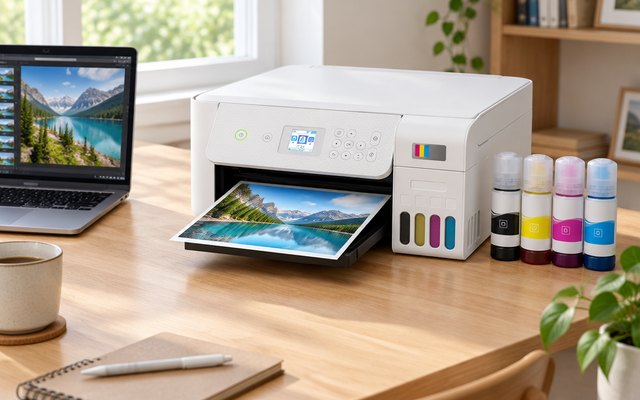
#2Epson EcoTank ET-2803 Wireless All-in-One Supertank Printer
$150–$200
No cartridges at all: the EcoTank is filled from bottles of ink, and Epson says the bottles in the box hold up to two years of ink. It prints, scans and copies from a flatbed, and by Epson’s figures a set of replacement bottles is good for up to 4,500 black or 7,500 color pages.
What owners say: Setup is simple, owners report, and sending pages to it over Wi-Fi works well for most. Print quality, reliability and value get mixed verdicts, and several warn of compatibility trouble.
Heads up: Fill it only with Epson’s 522 bottles: Epson warns that other ink could cause damage its warranty doesn’t cover.
A closer look: Buying it means buying a lot of ink up front, so it makes most sense for a household that prints often, from homework packets to flyers. Two-sided pages mean turning the stack over by hand, and the color screen walks through copying without a computer.
- Up to 2 years’ ink
- Refills print 4,500 black pages
- Color display
Best for: Printing a lot without cartridges
- Type
- Color ink tank
- Black print speed
- 10 ppm
- Two-sided printing
- No
- Document feeder
- No
- Paper tray
- 100 sheets
- Ink
- 522 ink bottles
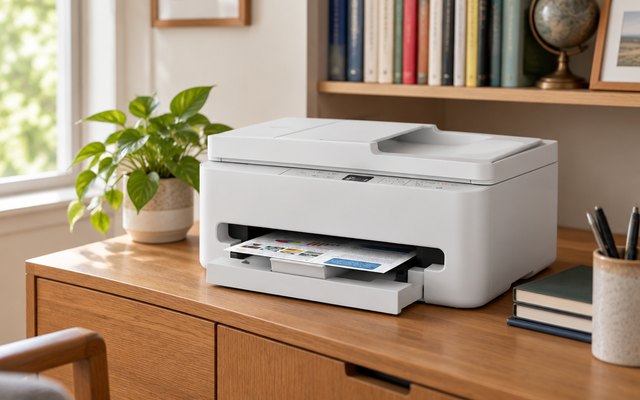
#3Canon PIXMA TR7120 Wireless All-in-One Printer
$75–$100
Canon’s compact all-in-one with a document feeder on top, so a stack of pages scans or copies in one go instead of a sheet at a time on the glass. It also prints both sides of the page by itself and uses the same two cartridges as the TS6520.
What owners say: Owners find it easy to set up, sharp enough for documents and photos, and quicker than they expected. Its Wi-Fi and reliability split opinion, and a few wish the paper tray were bigger and took legal-size sheets.
A closer look: Load multi-page contracts and tax forms in the feeder and keep the glass for photos, receipts and pages from a book. It suits a home office or a family that keeps a lot of paperwork, while anyone who rarely scans can get by with a simpler model.
- Dual-band Wi-Fi
- Borderless photos to letter size
- Prints straight from a phone
- Starter cartridges in the box
Best for: Scanning and copying stacks of pages
- Type
- Color inkjet
- Black print speed
- 14 ppm
- Two-sided printing
- Yes
- Document feeder
- Yes
- Paper tray
- 100 sheets
- Ink
- PG-295 + CL-286
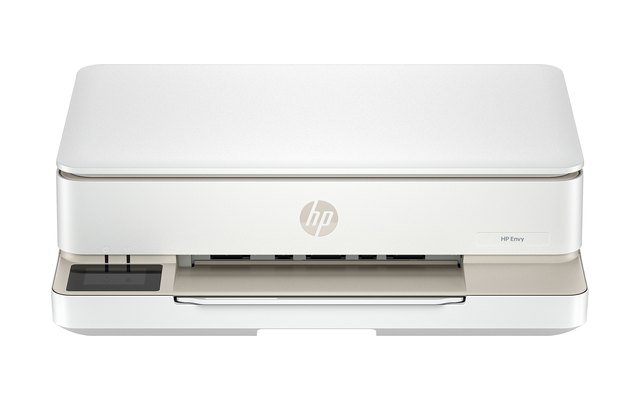
#4HP Envy 6155 Wireless All-in-One Printer
$150–$200
A 2.4-inch color touchscreen, borderless photo printing and automatic two-sided pages, plus dual-band Wi-Fi that HP says spots and fixes connection problems by itself. Three months of Instant Ink come with it.
What owners say: Print quality and an easy setup earn owners’ praise, and its compact body suits a home office. Wi-Fi and speed vary: quick, trouble-free prints for some, a sluggish connection for others.
Heads up: HP designs it to work only with cartridges carrying HP’s own chips, so some third-party cartridges won’t work. Instant Ink is optional, and its free months turn into a monthly fee unless canceled during the trial.
A closer look: Order HP 68 refills early or sign up for Instant Ink, since the setup cartridges in the box are small, about 120 black and 75 color pages by HP’s figures. The HP app also scans and sends faxes from a phone, and HP AI trims web pages before they print.
- 2.4 in color touchscreen
- 3-month Instant Ink trial
- Borderless photos
- Faxes from the HP app
- Wi-Fi fixes its own dropouts
Best for: Households on HP Instant Ink
- Type
- Color inkjet
- Black print speed
- 10 ppm
- Two-sided printing
- Yes
- Document feeder
- No
- Paper tray
- 100 sheets
- Ink
- HP 68 black + tri-color
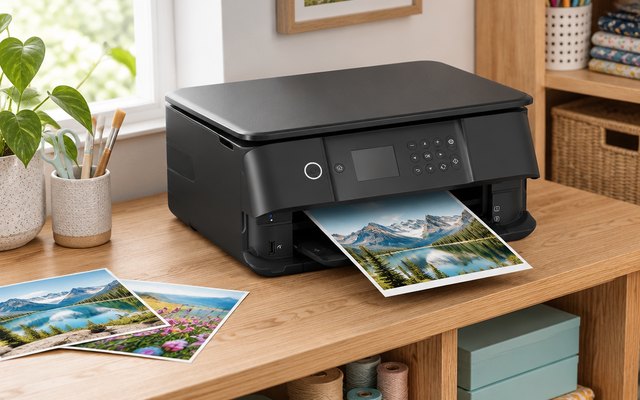
#5Epson Expression Premium XP-6100 All-in-One Printer
$75–$100
Five individual inks, a photo black among them, make this the Epson for photos: 4 × 6 in prints in as little as 15 seconds, a separate photo tray, and it prints on CDs and DVDs too. Epson takes its name from the EP-101 of 1968, the first electronic mini-printer: the next generation was ‘son of EP’.
What owners say: Owners are happiest with its photos and like its small footprint. Setup and staying on Wi-Fi went smoothly for some and were a struggle for others, and several say the cartridges run out quickly.
A closer look: Each color has its own cartridge, so only the one that runs out needs replacing, and Epson’s 302XL versions hold more for heavier use. Run a nozzle check after a few weeks unused, and keep glossy photo paper in the photo tray so it’s ready beside the plain paper.
- Prints on CDs and DVDs
- Photo black ink
- 4×6 photos from 15 seconds
- SD card slot
- 2.4 in color screen
Best for: Photos and creative projects
- Type
- Color inkjet
- Black print speed
- 15.8 ppm
- Two-sided printing
- Yes
- Document feeder
- No
- Paper tray
- 100 sheets + 20 photo
- Ink
- 302, five separate inks
How they compare
Swipe sideways or rotate device to see all 5.
| Feature | #1Canon PIXMA TS6520 | #2Epson EcoTank ET-2803 | #3Canon PIXMA TR7120 | #4HP Envy 6155 | #5Epson XP-6100 |
|---|---|---|---|---|---|
| Best overall | Best ink tank | Best for paperwork | Best for photos | ||
| Picked Rating | 8.3 | 8.2 | 8.1 | 7.9 | 7.8 |
| Price | $75–$100 | $150–$200 | $75–$100 | $150–$200 | $75–$100 |
| Type | Color inkjet | Color ink tank | Color inkjet | Color inkjet | Color inkjet |
| Black print speed | 14 ppm | 10 ppm | 14 ppm | 10 ppm | 15.8 ppm |
| Two-sided printing | Yes | No | Yes | Yes | Yes |
| Document feeder | No | No | Yes | No | No |
| Paper tray | 100 sheets | 100 sheets | 100 sheets | 100 sheets | 100 sheets + 20 photo |
| Ink | PG-295 + CL-286 | 522 ink bottles | PG-295 + CL-286 | HP 68 black + tri-color | 302, five separate inks |
| Best for | Homework, forms and the odd photo | Printing a lot without cartridges | Scanning and copying stacks of pages | Households on HP Instant Ink | Photos and creative projects |
| Buy now | Amazon | Amazon | Amazon | Amazon | Amazon |
Photos are illustrative, some computer-generated. As an Amazon Associate we earn from qualifying purchases. It costs you nothing extra. How we pick · How this works.


