Top 5 compared
The best USB-C hubs
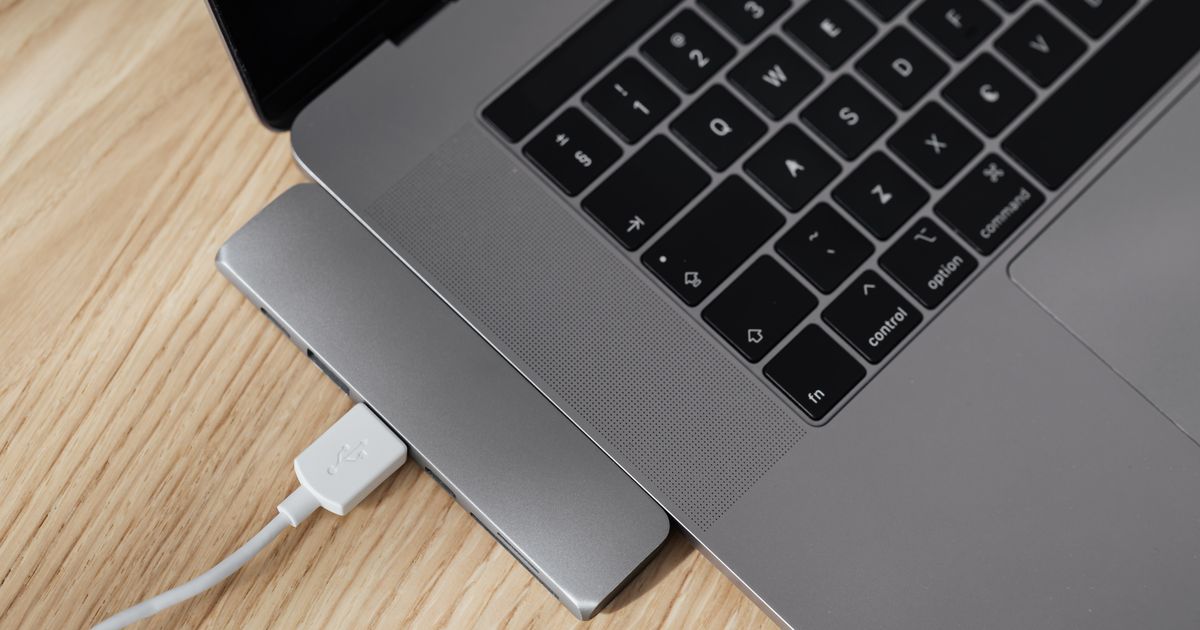
Plug in the mouse, the keyboard and a memory stick, even when the laptop only has USB-C ports.
As an Amazon Associate we earn from qualifying purchases. It costs you nothing extra. How this works
The top 5 at a glance
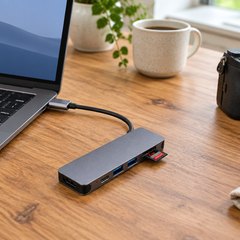
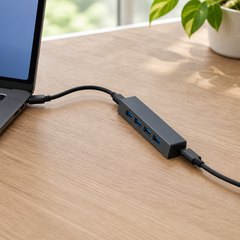
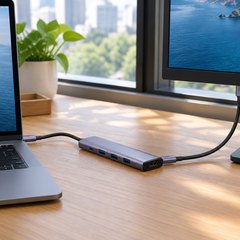
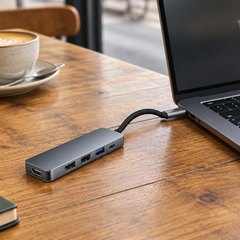
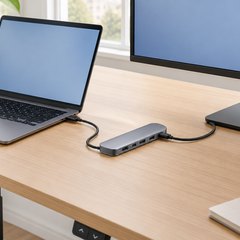
USB-C, the plug that goes in either way up, was published as a standard in August 2014, and some slim laptops now have nothing else. A hub turns one of those ports into several. Laptop adapters add HDMI for a monitor or TV, a few older, rectangular USB-A ports and sometimes card readers, while a plain data hub just adds USB ports, with no screen output.
Most of these pass the laptop’s own charger through, so the hub doesn’t take over the only charging port; the plain data hub has no charging port at all. A 4K screen at 30Hz is fine for documents and slides, while 60Hz looks smoother whenever things move. For a screen, the laptop’s USB-C port must support video (DisplayPort Alt Mode), as UGREEN notes.
What matters
- Pass-through wattage close to what your laptop’s charger supplies.
- 5Gbps or faster USB ports for drives; USB 2.0 suits a mouse.
- SD and microSD readers, if photos come off a camera card.
- A cable length that suits where the laptop sits.
#1Hiearcool 7-in-1 USB-C Hub (UCN3286)
$10–$20
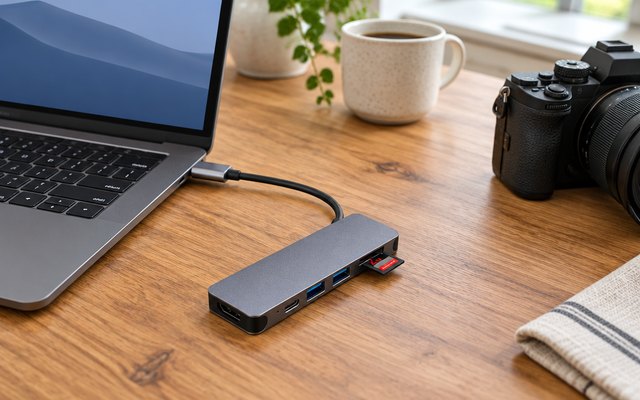
Seven ports on a slim aluminum hub: HDMI at 4K, two 5Gbps USB-A ports, SD and microSD card readers and a 100W charging port, so a camera card, a mouse and a drive can all go in at once.
What owners say: Plug-and-play on a MacBook Pro, by many accounts, and owners like having HDMI and USB ports in something this compact. Most get a solid connection, though some find it isn’t always stable.
A closer look: The SD slot takes the full-size cards most cameras use, and the microSD slot the cards from phones, drones and action cameras, so photos come straight off without a separate reader. At 1.8 oz it lives happily in a laptop sleeve, and the aluminum shell helps it shed heat when a drive and a screen are both running.
- Aluminum shell sheds heat
- Weighs 1.8 oz
- 2-year warranty
Best for: Photos off camera cards
- Type
- Laptop adapter with HDMI
- HDMI
- 4K 30Hz
- USB-A ports
- 2 × 5Gbps
- USB-C ports
- Charging only
- Card readers
- SD and microSD
- Laptop charging
- Up to 100W
#2Anker 4-in-1 USB-C Data Hub (A8309, 5Gbps)
$10–$20
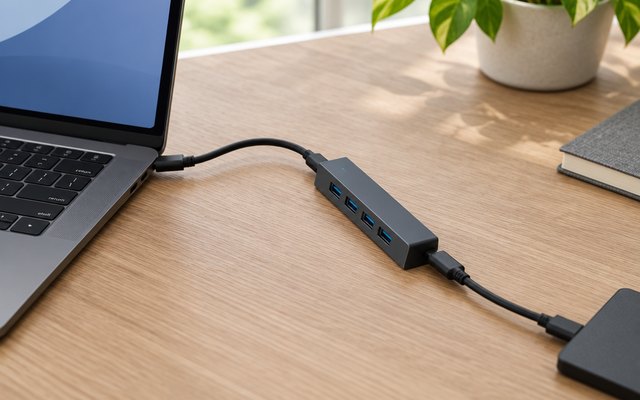
Four full-size USB-A ports at 5Gbps on the end of a 2 ft cable, for a keyboard, a mouse, a printer and a memory stick off one USB-C port. The longer cable lets the hub sit on the desk while the computer stays on a stand, under the monitor or on the floor.
What owners say: Mac mini owners find it a neat fit, and it’s an easy way to add USB ports to a PC without fuss. Most get a steady connection, though some see it drop out, and a few gave up after about three months.
A closer look: There’s no power input, so it runs on what the computer’s USB-C port supplies and charges nothing. A keyboard, mouse, printer or memory stick is no trouble, while a big portable hard drive is happier on a port of its own, and the laptop’s charger goes straight into the laptop.
- 2 ft attached cable
- No drivers needed
- 18-month warranty
Best for: Extra USB ports on a desk
- Type
- USB hub, no HDMI
- HDMI
- No
- USB-A ports
- 4 × 5Gbps
- USB-C ports
- None
- Card readers
- No
- Laptop charging
- None
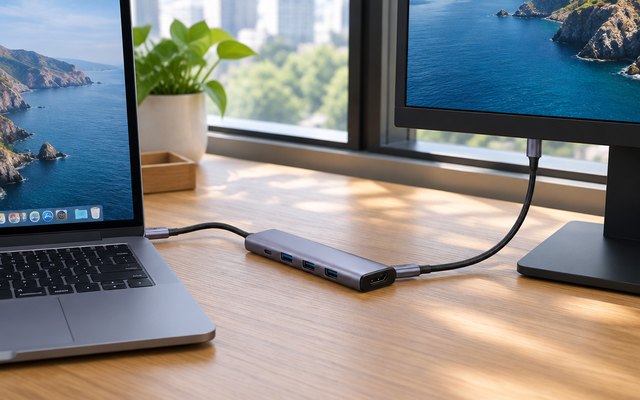
#3UGREEN 5-in-1 USB-C Hub with 4K HDMI (CM478)
$10–$20
A small aluminum 5-in-1 that adds what a USB-C laptop most often lacks: HDMI at 4K, one fast 5Gbps USB-A port for a drive, two USB 2.0 ports for a keyboard and mouse, and a 100W port for the laptop’s own charger.
What owners say: No drivers or software to install, and the three USB-A ports earn their keep with flash drives and accessories. Charging a laptop through it is hit and miss for some, and a few had it stop working after about a month.
Heads up: Check the laptop’s USB-C port supports DisplayPort Alt Mode before relying on the HDMI port: UGREEN notes the screen output needs it.
A closer look: Save the 5Gbps port for a drive or memory stick and put the keyboard and mouse on the two slower ones, which are plenty for them. With the charger running through the hub, one cable to the laptop carries power, screen and USB, handy on a desk that gets cleared every evening.
- One cable: power, screen, USB
- Aluminum case
- 2-year warranty
Best for: A one-cable desk setup
- Type
- Laptop adapter with HDMI
- HDMI
- 4K 30Hz
- USB-A ports
- 1 × 5Gbps, 2 × USB 2.0
- USB-C ports
- Charging only
- Card readers
- No
- Laptop charging
- Up to 100W
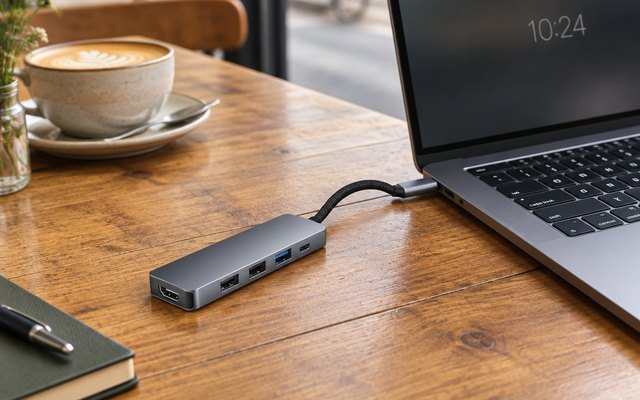
#4BENFEI 5-in-1 USB-C Hub with 4K HDMI and Silicone Cable
Under $10
The same set of ports as the UGREEN, but its USB-A 3.2 port runs at up to 10Gbps, beside two USB 2.0 ports and HDMI at 4K, on a soft 7.9 in silicone-woven cable that BENFEI makes in-house and says lasts over 25,000 bends. It passes up to 90W of a 100W charger to the laptop.
What owners say: Simple to use, with a spread of ports owners find handy for all sorts of USB plugs. Some say it’s built to last while others had it break after a few months, and a few had devices not charge through it.
A closer look: Only the laptop’s charger goes in the USB-C port, which carries no data or video, so an external drive belongs on the single fast USB-A port. The short, soft cable doesn’t knot in a bag, and it reaches a laptop raised on a stand as easily as one flat on the desk.
- 7.9 in silicone woven cable
- Cable rated for 25,000 bends
- Doesn’t knot in a bag
- 18-month warranty
Best for: Travel, with a soft cable
- Type
- Laptop adapter with HDMI
- HDMI
- 4K 30Hz
- USB-A ports
- 1 × 10Gbps, 2 × USB 2.0
- USB-C ports
- Charging only
- Card readers
- No
- Laptop charging
- Up to 90W
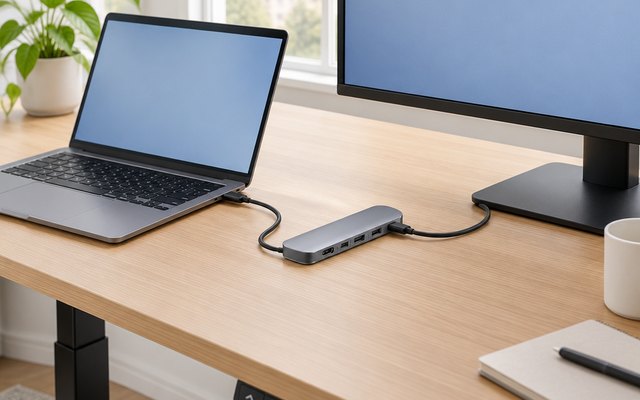
#5Anker 7-in-1 USB-C Hub (A83D2)
$20–$30
The only hub here that runs a 4K screen at 60Hz, smoother for scrolling and video than 30Hz, with two USB-A ports and a USB-C data port at 5Gbps, SD and microSD readers, and 85W of charging for the laptop.
What owners say: Owners like how solid and compact it is and how much it adds to a MacBook Air, though some had trouble charging through it.
A closer look: Its USB-C port carries data but no picture, so it suits a USB-C memory stick, drive or card reader rather than a second screen. For 60Hz on a 4K monitor, use a high-speed HDMI cable, and plug the laptop’s own charger into the hub’s power port, as none comes in the box.
- No charger in the box
- USB-C port carries no picture
- 18-month warranty
Best for: Smooth scrolling on 4K screens
- Type
- Laptop adapter with HDMI
- HDMI
- 4K 60Hz
- USB-A ports
- 2 × 5Gbps
- USB-C ports
- 1 × 5Gbps
- Card readers
- SD and microSD
- Laptop charging
- Up to 85W
How they compare
Swipe sideways or rotate device to see all 5.
| Feature | #1Hiearcool 7-in-1 | #2Anker 4-in-1 | #3UGREEN CM478 | #4BENFEI 5-in-1 | #5Anker 7-in-1 |
|---|---|---|---|---|---|
| Best overall | Most USB-A ports | Best budget | Best for a monitor | ||
| Picked Rating | 9.2 | 9.1 | 9.0 | 9.0 | 8.9 |
| Price | $10–$20 | $10–$20 | $10–$20 | Under $10 | $20–$30 |
| Type | Laptop adapter with HDMI | USB hub, no HDMI | Laptop adapter with HDMI | Laptop adapter with HDMI | Laptop adapter with HDMI |
| HDMI | 4K 30Hz | No | 4K 30Hz | 4K 30Hz | 4K 60Hz |
| USB-A ports | 2 × 5Gbps | 4 × 5Gbps | 1 × 5Gbps, 2 × USB 2.0 | 1 × 10Gbps, 2 × USB 2.0 | 2 × 5Gbps |
| USB-C ports | Charging only | None | Charging only | Charging only | 1 × 5Gbps |
| Card readers | SD and microSD | No | No | No | SD and microSD |
| Laptop charging | Up to 100W | None | Up to 100W | Up to 90W | Up to 85W |
| Best for | Photos off camera cards | Extra USB ports on a desk | A one-cable desk setup | Travel, with a soft cable | Smooth scrolling on 4K screens |
| Buy now | Amazon | Amazon | Amazon | Amazon | Amazon |
Photos are illustrative, some computer-generated. As an Amazon Associate we earn from qualifying purchases. It costs you nothing extra. How we pick · How this works.