Top 5 compared
The best USB microphones
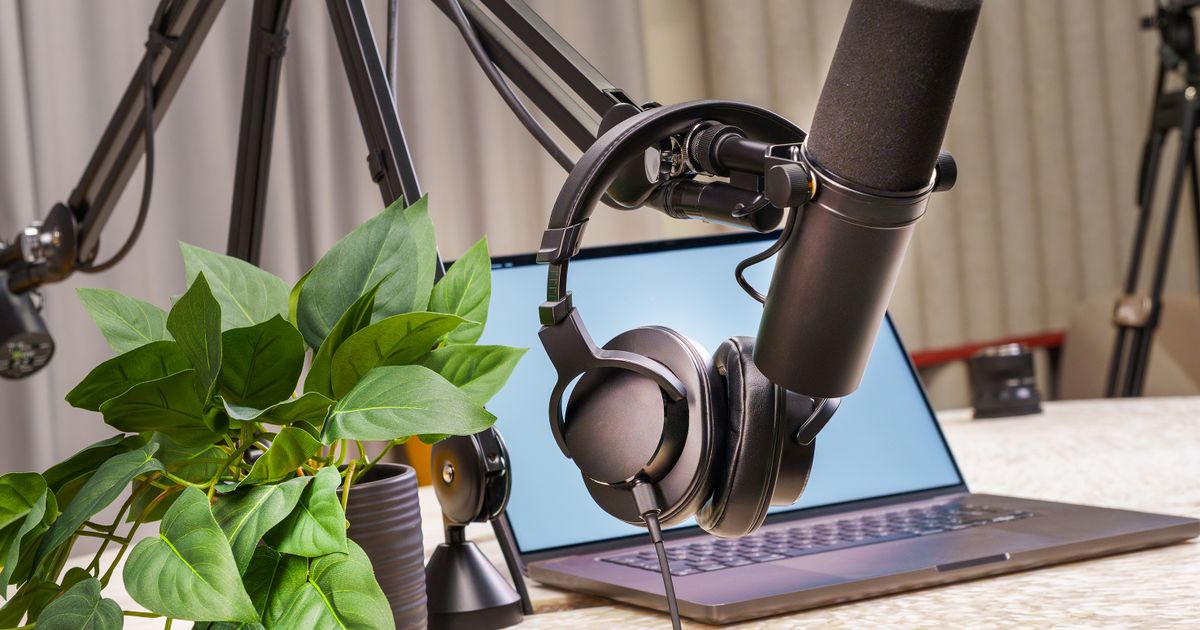
Sound clear on work calls, game chat, streams and podcasts, with a mic that plugs straight into your computer.
As an Amazon Associate we earn from qualifying purchases. It costs you nothing extra. How this works
The top 5 at a glance

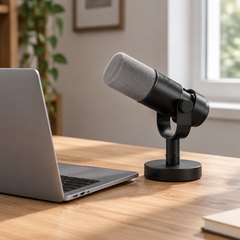
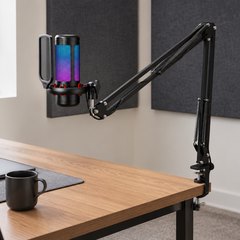
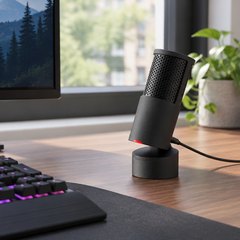
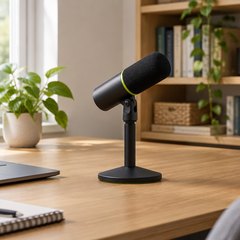
A USB microphone plugs into a computer’s USB port and sits on the desk or a boom arm, close to the mouth. A laptop’s built-in mic hears the keyboard, the fan and the echo off the walls; a mic up close hears mostly you. Condenser mics are sensitive and catch fine detail, while dynamic mics mostly hear what’s right in front of them.
That makes a condenser the natural pick for a quiet room, and a dynamic mic the better bet for a busy house or a clacky keyboard. A headphone jack on the mic lets you hear yourself as you talk, which makes getting the level right much easier. Only FIFINE’s K688 adds XLR, for an audio interface or mixer later on.
What matters
- Mute and gain on the mic itself, not only in an app.
- A shock mount and pop filter, built in or in the box.
- A standard thread, so it fits a boom arm or mic stand.

#1Logitech for Creators Blue Yeti USB Microphone
$100–$150
Three capsules inside give it four pickup patterns: cardioid for one voice, bidirectional for two people facing each other across a table, omni for a group around it, and stereo for music. Headphone volume, pattern, mute and gain are all on the mic.
What owners say: Podcasting, streaming and recording music all come up, with sound clear enough to catch every little noise. That cuts both ways: some hear almost no background, others far too much, and a few had one break after about seven months.
A closer look: Speak into the side of the mic, not the top: the Yeti hears from the front, where the logo is. For a two-person interview, set it to bidirectional and sit either side of it; alone in a noisy room, cardioid hears the least of the room. It also screws onto a standard mic stand or boom arm.
- Bidirectional mode for interviews
- Speak into its side
- Headphone volume on the mic
- Fits standard mic stands
Best for: Podcasts with guests
- Type
- Condenser, 4 patterns
- Connection
- USB (Mini-USB)
- Recording resolution
- 16-bit/48kHz
- Headphone jack
- Yes
- Mute button
- Yes
- Gain control
- Knob on the mic
#2FIFINE AmpliTank K688 USB/XLR Dynamic Microphone
$50–$75
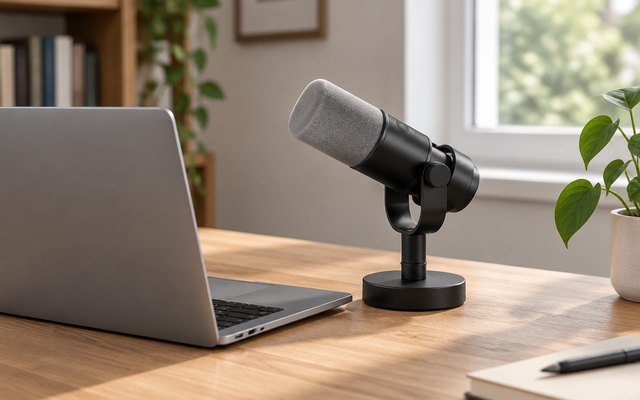
A metal-bodied dynamic mic in a shock mount, made for talking: USB-C straight into a computer now, or XLR into an audio interface or mixer later on. Its cardioid pattern favors the voice in front of it over a computer fan or a hard drive humming nearby.
What owners say: Clear sound and the choice of USB-C or XLR win owners over, and it’s ready to go straight out of the box with a solid, well-made feel. How much background noise it lets in is where opinions part.
Heads up: No stand comes with it, so plan on a boom arm or a desk stand; the thread adapter in the box fits either.
A closer look: Keep it a few inches from the mouth and turn the gain up rather than leaning back, as dynamic mics like the speaker close. Plug headphones into the jack to hear your own voice live and set the level by ear. The mute, gain and monitoring controls work over USB only, so on XLR they’re set at the interface instead.
- Shock mount and windscreen included
- Metal body
- Favors the voice in front
- Controls work over USB only
- 8.2 ft USB-C cable
Best for: USB now, XLR later
- Type
- Dynamic
- Connection
- USB-C and XLR
- Recording resolution
- 16-bit/48kHz
- Headphone jack
- Yes
- Mute button
- Yes
- Gain control
- Knob on the mic
#3TONOR TC310+ USB Microphone Kit with Boom Arm
$20–$30
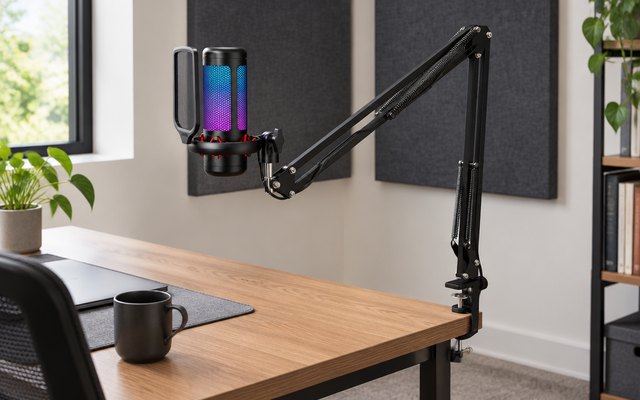
A whole streaming setup in one box: a condenser mic with RGB lights, a shock mount, a pop filter and a metal boom arm that clamps to the desk. Tap the top to mute, and turn it to change the gain.
What owners say: Owners call it an excellent first mic with clear sound, and like the sturdy arm, the RGB lights and the tap-to-mute; it’s sensitive enough to pick up a desk fan.
Heads up: There’s no headphone jack, so record a short test clip to check the level before the first stream or call.
A closer look: The arm’s clamp fits desks up to 2.36 in thick, and its joints let the mic swing in close under the monitor and back out of shot. Long-press the lighting button to dim the RGB for late-night streams, and keep the mic a hand’s width from the mouth.
- Metal boom arm included
- Pop filter and shock mount
- Clamps desks up to 2.36in
- 4 RGB lighting modes
Best for: A first streaming setup
- Type
- Condenser
- Connection
- USB-C
- Recording resolution
- –
- Headphone jack
- No
- Mute button
- Yes
- Gain control
- Turn the top of the mic
#4HyperX SoloCast 2 USB Condenser Microphone
$30–$50
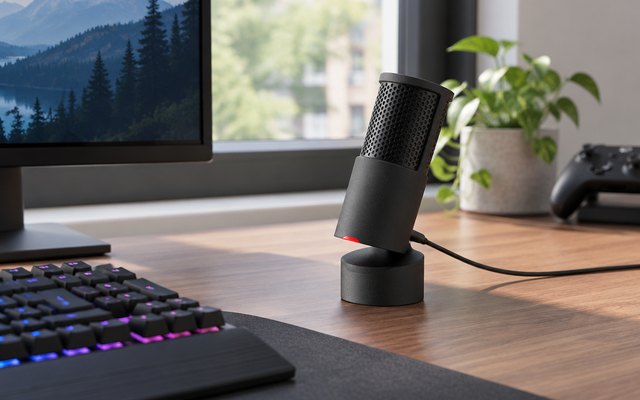
Everything is tucked inside: a foam pop filter to soften hard ‘p’ sounds and an internal shock mount against desk knocks, so it sits neatly on a gaming desk. It records at 24-bit/96kHz.
What owners say: Voices come through full, rounded and clear, owners say, and it’s compact and works as soon as it’s plugged in. The tap-to-mute gets a mention for being quick to respond.
A closer look: The red light means it’s live and goes out when muted, so a glance shows whether the squad can hear you. Gain and the sound filters are set in HyperX’s free NGENUITY app on a PC; there’s no headphone jack on the mic itself.
- Built-in pop filter
- Internal shock mount
- Red light shows it’s live
- Fits 3/8in and 5/8in arms
Best for: A tidy gaming desk
- Type
- Condenser
- Connection
- USB-C
- Recording resolution
- 24-bit/96kHz
- Headphone jack
- No
- Mute button
- Yes
- Gain control
- In HyperX’s app
#5Shure MV6 USB Gaming Microphone
$150–$200
Auto Level Mode adjusts the volume in real time, so a shout in a boss fight and a mumble in the lobby come out at much the same level. Shure’s dynamic mics have pedigree: engineer Bruce Swedien said he recorded most of Michael Jackson’s big hits on a Shure SM7.
What owners say: Crisp, clear sound for games, streams and vocals, and it’s plug-and-play on a PC or a console. Noise rejection splits owners, with some still hearing their room, and the USB-C cable in the box is on the short side.
A closer look: Shure’s free MOTIV Mix app balances game sound against your own voice in the headphones, and can record too. It connects by USB-C to PCs and Macs, and to most Android and Apple phones and tablets.
- Real-time noise reduction
- Digital pop filter
- App balances game and voice
- Connects to phones and tablets
Best for: Streamers in noisy rooms
- Type
- Dynamic
- Connection
- USB-C
- Recording resolution
- 24-bit/48kHz
- Headphone jack
- Yes
- Mute button
- Yes
- Gain control
- Automatic (Auto Level)
How they compare
Swipe sideways or rotate device to see all 5.
| Feature | #1Blue Yeti | #2FIFINE K688 | #3TONOR TC310+ | #4HyperX SoloCast 2 | #5Shure MV6 |
|---|---|---|---|---|---|
| Best overall | USB and XLR | Best budget | Best for noisy rooms | ||
| Picked Rating | 9.2 | 9.1 | 9.0 | 8.9 | 8.8 |
| Price | $100–$150 | $50–$75 | $20–$30 | $30–$50 | $150–$200 |
| Type | Condenser, 4 patterns | Dynamic | Condenser | Condenser | Dynamic |
| Connection | USB (Mini-USB) | USB-C and XLR | USB-C | USB-C | USB-C |
| Recording resolution | 16-bit/48kHz | 16-bit/48kHz | – | 24-bit/96kHz | 24-bit/48kHz |
| Headphone jack | Yes | Yes | No | No | Yes |
| Mute button | Yes | Yes | Yes | Yes | Yes |
| Gain control | Knob on the mic | Knob on the mic | Turn the top of the mic | In HyperX’s app | Automatic (Auto Level) |
| Best for | Podcasts with guests | USB now, XLR later | A first streaming setup | A tidy gaming desk | Streamers in noisy rooms |
| Buy now | Amazon | Amazon | Amazon | Amazon | Amazon |
Photos are illustrative, some computer-generated. As an Amazon Associate we earn from qualifying purchases. It costs you nothing extra. How we pick · How this works.