Top 5 compared
The best webcams
Look and sound like yourself on work calls and video chats with family, not a grainy blur.

As an Amazon Associate we earn from qualifying purchases. It costs you nothing extra. How this works
The top 5 at a glance
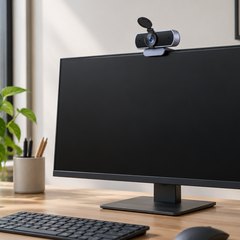
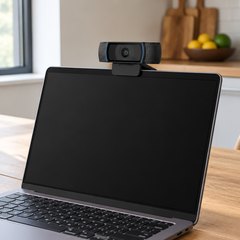
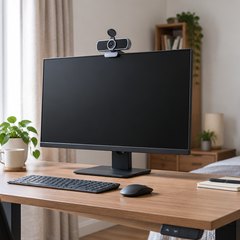
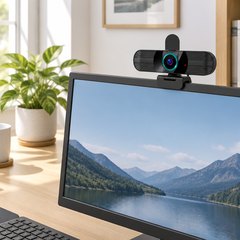
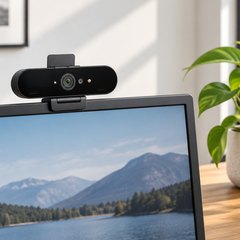
Laptop cameras tend to be grainy and look up from below; a webcam clipped to the top of a screen sees you straight on and far more clearly. 1080p cameras cover everyday calls, while 2K and 4K ones add sharpness for recordings, streams and big screens. One of the first webcams, set up at Cambridge University in 1991, simply showed whether the Computer Laboratory’s coffee pot was empty.
Each one here has two built-in microphones, and most fit a tripod as well as their clip. Autofocus follows you as you move; fixed focus is fine sitting still at a desk. All but Logitech’s C920x come with a privacy cover, built in or clip-on, so the lens can be covered between calls.
What matters
- A field of view of 90° or more, to fit two people in.
- Light correction or HDR, for a bright window behind you.
- USB-C as well as USB-A, for newer laptops.
- 60fps at 1080p, if you move a lot on camera.
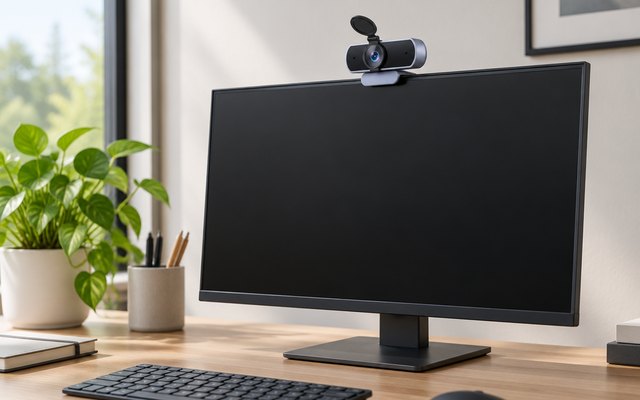
#1UGREEN 4K Webcam with PDAF Autofocus
$30–$50
4K at 30fps from an 8MP sensor, with phase-detection autofocus that locks on quickly when you lean in or hold something up, and a privacy cover built into the front. Two microphones pick up voices from about 16 feet away, and a USB-A to USB-C adapter comes in the box.
What owners say: Owners describe a sharp, detailed picture and say it works in Teams, Zoom and WebEx the moment it’s plugged in, with nothing to install.
A closer look: Full 4K needs a computer and an app that can take it; otherwise the camera drops to 1080p at 60fps by itself, which still looks smooth on calls. Slide the cover across when a call ends, and the clip sits on a monitor, a laptop lid or a TV, or the camera goes on a tripod.
- 8MP sensor
- USB-A to USB-C adapter included
- Clips onto a TV too
Best for: Sharp video, quick focus
- Video
- 4K at 30fps
- Field of view
- 70°
- Autofocus
- Yes
- Microphones
- Two, up to 16.4 ft
- Privacy cover
- Yes
- Mount
- Clip or tripod
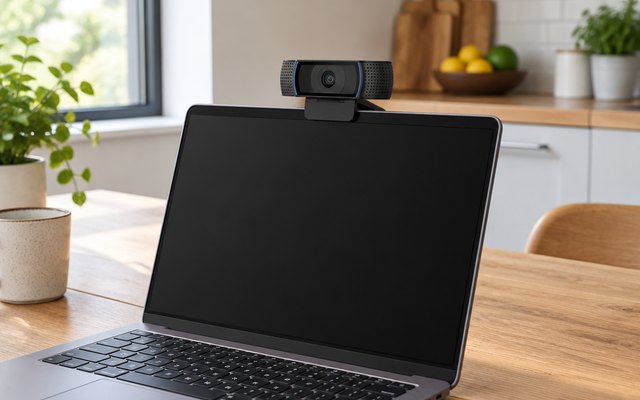
#2Logitech C920x HD Pro Webcam
$50–$75
Logitech’s long-serving HD webcam: sharp 1080p through a five-element glass lens, autofocus for leaning in to show something, and a microphone either side of the lens for stereo sound.
What owners say: The picture is clear and detailed, owners find, and it’s ready seconds after plugging in. Autofocus can drift, some Macs won’t recognize it, and a few cameras have stopped working after about a month.
Heads up: There’s no privacy shutter on the C920x; Logitech’s C920s is the same camera with a sliding cover.
A closer look: The clip folds over a monitor or laptop lid, and the base also screws onto a tripod for a better angle. Sit facing a window or lamp rather than with the light behind you, and the automatic light correction has an easier job evening out your face.
- Five-element glass lens
- Automatic light correction
Best for: Daily video calls on a monitor
- Video
- 1080p at 30fps
- Field of view
- 78°
- Autofocus
- Yes
- Microphones
- Two, stereo
- Privacy cover
- No
- Mount
- Clip or tripod
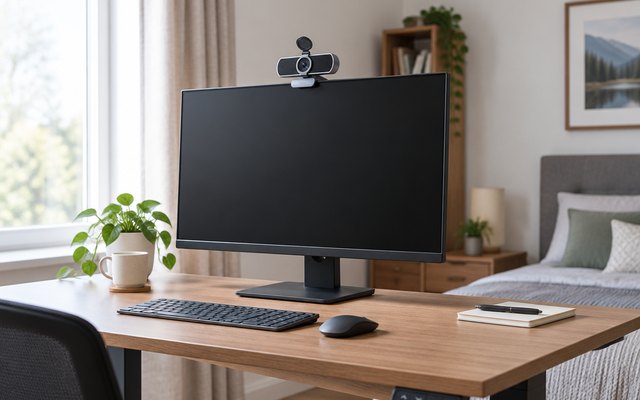
#3UGREEN 2K Webcam
$20–$30
2K at 30fps from a 4MP sensor, a wide 95° view that fits two people at the desk, and two microphones that cut background noise. It turns a full circle on its clip, and a privacy cover comes in the box.
What owners say: Owners find it plug-and-play on whatever they connect it to, Linux laptops included, and like having the privacy cover. The picture divides them, clear for many and blurry for some.
A closer look: Focus is fixed, so it’s sharpest with you at least 20 inches from the lens, which suits sitting back from a desk monitor. Clip the privacy cover on before the first call so it doesn’t go astray, and turn the camera on its clip to show a page or a sketch to the room.
- 4MP sensor
- Fits two people in frame
- Sharpest from 20 in away
Best for: Two on a call, side by side
- Video
- 2K at 30fps
- Field of view
- 95°
- Autofocus
- No
- Microphones
- Two, noise reduction
- Privacy cover
- Cover in the box
- Mount
- Clip, turns 360°
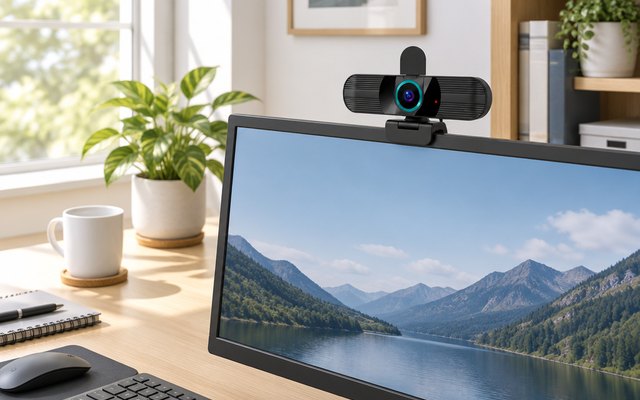
#4RUWBY 1080p Webcam with Tripod
$20–$30
Autofocus, a 90° view and a privacy shutter, plus a small aluminum tripod in the box for setting the camera at eye level on a desk or shelf. Two noise-canceling microphones pick up a voice from about 10 feet away.
What owners say: Owners give the picture and the sound good marks and find the tripod a useful extra. It suits Windows computers best; Mac owners have had less luck getting it to work.
A closer look: The tripod’s legs telescope down small enough for a backpack, so the camera can travel with a laptop for calls away from the desk. At home the clip holds it on a monitor instead, and the head turns 360° to face the room.
- Low-light correction
- Tripod legs telescope down
- 5 ft cable
- 2-year warranty
Best for: Eye-level calls anywhere
- Video
- 1080p at 30fps
- Field of view
- 90°
- Autofocus
- Yes
- Microphones
- Two, up to 10 ft
- Privacy cover
- Yes
- Mount
- Clip, or the tripod in the box
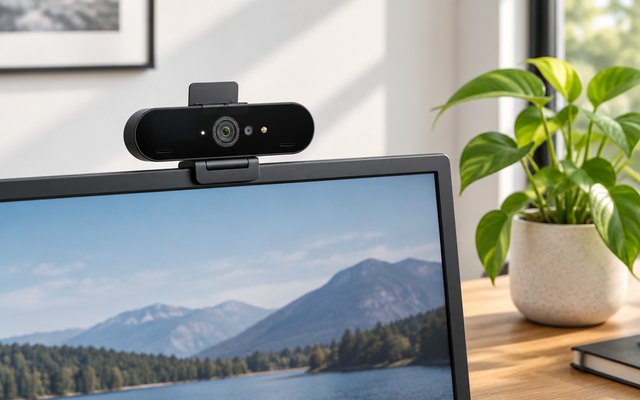
#5Logitech Brio 4K Webcam
$150–$200
Logitech’s 4K webcam gives a choice of three fields of view, RightLight 3 with HDR for backlit rooms, and infrared sensors that sign you in to Windows Hello by face. At 1080p it runs at up to 60fps, so quick movement stays smooth.
What owners say: The picture impresses owners in 4K and 1080p alike, and it’s up and running in minutes. Some feel it should cost less, and others report flicker or face sign-in that won’t work on their machine.
A closer look: Pick the view in Logitech’s app: 65° frames head and shoulders for a one-to-one, and 90° takes in more of the room. The privacy shade clips on and flips down over the lens, and the clip’s standard thread takes any camera tripod.
- HDR for backlit rooms
- 5x digital zoom
Best for: Windows Hello and backlit rooms
- Video
- 4K at 30fps
- Field of view
- 65°, 78° or 90°
- Autofocus
- Yes
- Microphones
- Two, noise canceling
- Privacy cover
- Clip-on shade, in the box
- Mount
- Clip or tripod
How they compare
Swipe sideways or rotate device to see all 5.
| Feature | #1UGREEN 4K | #2Logitech C920x | #3UGREEN 2K | #4RUWBY W01 | #5Logitech Brio 4K |
|---|---|---|---|---|---|
| Best overall | Runner-up | Best budget | |||
| Picked Rating | 9.2 | 9.0 | 9.0 | 8.9 | 8.8 |
| Price | $30–$50 | $50–$75 | $20–$30 | $20–$30 | $150–$200 |
| Video | 4K at 30fps | 1080p at 30fps | 2K at 30fps | 1080p at 30fps | 4K at 30fps |
| Field of view | 70° | 78° | 95° | 90° | 65°, 78° or 90° |
| Autofocus | Yes | Yes | No | Yes | Yes |
| Microphones | Two, up to 16.4 ft | Two, stereo | Two, noise reduction | Two, up to 10 ft | Two, noise canceling |
| Privacy cover | Yes | No | Cover in the box | Yes | Clip-on shade, in the box |
| Mount | Clip or tripod | Clip or tripod | Clip, turns 360° | Clip, or the tripod in the box | Clip or tripod |
| Best for | Sharp video, quick focus | Daily video calls on a monitor | Two on a call, side by side | Eye-level calls anywhere | Windows Hello and backlit rooms |
| Buy now | Amazon | Amazon | Amazon | Amazon | Amazon |
Photos are illustrative, some computer-generated. As an Amazon Associate we earn from qualifying purchases. It costs you nothing extra. How we pick · How this works.