Top 5 compared
The best digital photo frames
The family’s newest photos turn up on a screen on the shelf, instead of staying out of sight on a phone.

As an Amazon Associate we earn from qualifying purchases. It costs you nothing extra. How this works
The top 5 at a glance
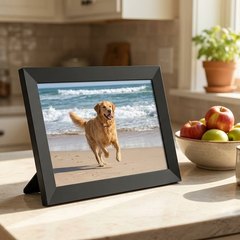



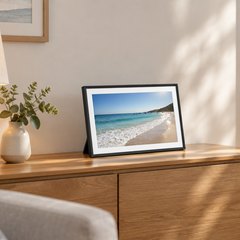
A digital photo frame is a small screen that plays a slideshow of your pictures on a shelf, a desk or the wall. Wi-Fi frames take new photos from anyone you invite, sent from a phone through an app or by email, so a picture taken in the morning can be on the kitchen counter by lunch. Many frames run Frameo, an app from a Danish company that frame brands build in.
Showing photos costs nothing on any of these frames; some apps offer an optional paid plan with extras such as more photos sent at once, or albums. Frames with a card slot or USB port can also take pictures from a memory card or stick, with no Wi-Fi at all.
What matters
- Whether people sending photos need an account, or just a code.
- Photos by email, for relatives who’d rather not install an app.
- How long a video clip can run without a paid plan.
- 10 inches for a shelf, 15 or more for a big room.
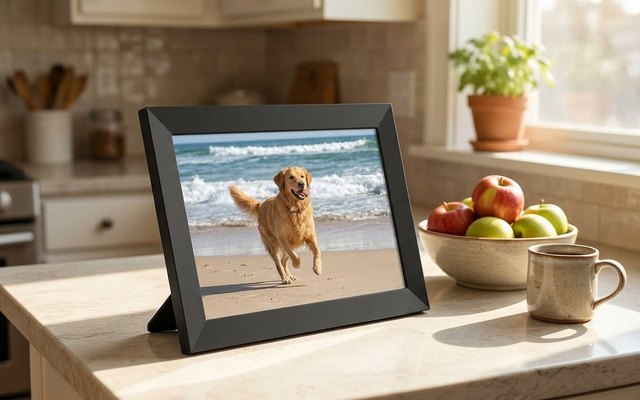
#1VESWWE Frameo 10.1-inch Wi-Fi Digital Photo Frame (32GB)
$75–$100
Anyone with the free Frameo app and the code the frame shows can send photos and short clips to this sharp 10.1-inch touchscreen, with no account to set up and no fee to send, so the whole family can join in. Link a calendar in the app and upcoming plans can show on it too.
What owners say: Owners find it easy to use and simple to set up, and they call it a good product they’re satisfied with.
A closer look: Put the frame on Wi-Fi first, then tap to show a code and type it into the Frameo app on each phone that will send photos. Any picture can be hidden from the slideshow and shown again later.
- Shows your calendar
- Hide photos from the slideshow
Best for: Sharing photos with no account
- Screen
- 10.1 in, 1280 × 800
- Adding photos
- Frameo app or microSD
- Storage
- 32GB + microSD
- Account needed
- No, pairs with a code
- Subscription
- Optional Frameo+
- Video clips
- 15 s (2 min with Frameo+)
- Touchscreen
- Yes
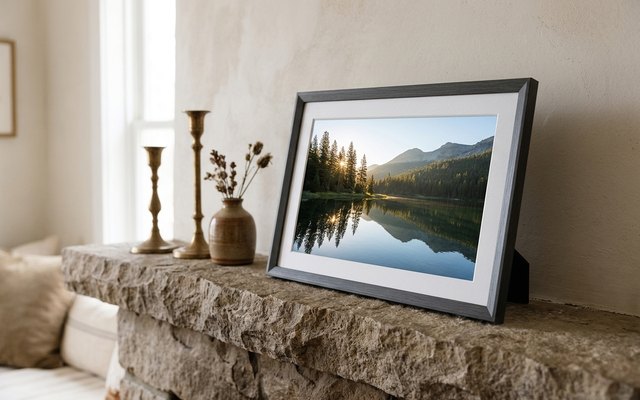
#2Aura Carver Mat 10.1-inch Wi-Fi Digital Photo Frame (Gravel, white mat)
$200–$300
Every photo the family adds is kept in Aura’s cloud for free, with no limit and no subscription, and pictures come in through the Aura app, by email, or from iCloud and Google Photos. A white mat around the 10.1-inch screen makes it look like a framed print.
What owners say: The picture quality and the look of it win owners over, and adding photos through the app is easy. Some find it expensive, and one owner says theirs stopped working after a year.
Heads up: There’s no touchscreen: a touch bar on top moves back and forth through the photos, and everything else is done in the Aura app.
A closer look: Set up an Aura account in the app and the frame links to the phone; anyone sending photos through the app needs a free account of their own. The screen is landscape only, so it pairs upright shots side by side, and it adjusts its brightness to the room and switches itself on and off.
- Upright photos shown in pairs
- Brightness adjusts to the room
- Looks like a framed print
Best for: Big photo libraries, no fees
- Screen
- 10.1 in, 1280 × 800
- Adding photos
- Aura app or email
- Storage
- Free unlimited cloud
- Account needed
- Yes, for the Aura app
- Subscription
- None
- Video clips
- Up to 30 s
- Touchscreen
- No

#3Skylight Frame 10-inch Wi-Fi Digital Picture Frame (black)
$150–$200
Each Skylight has its own email address, so relatives can send a photo from any phone or computer without installing anything, and it shows on the frame within a minute. The 10-inch touchscreen keeps playing the photos it has stored when the Wi-Fi drops.
What owners say: Owners praise the crystal-clear screen and say setup and daily use are no trouble. Not everyone finds it works as expected, and some warn that a subscription is needed sooner or later.
Heads up: Albums and changing settings from the app need Skylight Plus, a yearly plan; sending photos and videos stays free.
A closer look: The address is picked during setup, so choose one that’s easy to say over the phone. There’s no memory card slot, so every photo comes in by email or the app, and the app can add a caption to it.
- Keeps playing if Wi-Fi drops
- Photos show within a minute
Best for: Relatives who’d rather just email
- Screen
- 10 in, 1280 × 800
- Adding photos
- Email or Skylight app
- Storage
- 8GB on the frame
- Account needed
- No, frame has its own email
- Subscription
- Optional Skylight Plus
- Video clips
- Up to 1 min
- Touchscreen
- Yes
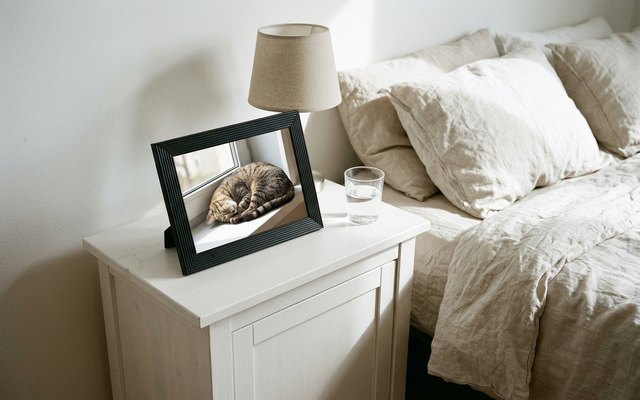
#4AEEZO 10.1-inch Wi-Fi Digital Picture Frame (32GB)
$50–$75
A light sensor dims the 10.1-inch touchscreen as the room gets darker, so it isn’t glaring in a bedroom at night. Photos and short clips come in through the AiMOR app, and the time and weather can show in a corner.
What owners say: Photos go from a cellphone to the frame quickly, even from far away, owners say, and the images look clear; they find it good value.
A closer look: Family and friends can be given upload access in the AiMOR app, so more than one phone can send to the frame. Photos on an SD card don’t play from the card: import them into the frame’s memory first.
- Light sensor dims the screen
- Clock and weather on screen
Best for: Bedrooms and bedside tables
- Screen
- 10.1 in, 1280 × 800
- Adding photos
- AiMOR app or SD card
- Storage
- 32GB + SD up to 64GB
- Account needed
- Yes, AiMOR sign-up
- Subscription
- Optional AiMOR Plus
- Video clips
- Up to 15 s
- Touchscreen
- Yes
#5Pastigio Frameo 15.6-inch Wi-Fi Digital Picture Frame (32GB)
$150–$200
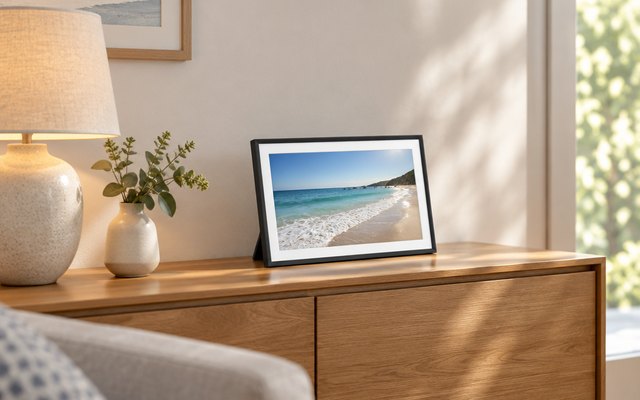
At 15.6 inches with a 1920 × 1080 screen, photos are easy to make out from the couch across the room. It runs Frameo, so a phone already sending to a Frameo frame just adds this one in the same app, and it also loads from an SD card, a USB stick or a computer.
What owners say: The big, sharp screen is what owners like most, with colours that look right. Some are less happy with how it performs and with getting photos onto it.
A closer look: Being large, it sits best on a wall or a wide dresser, and photos turn upright or wide to match how it stands. Tap a heart or a smile on a new photo and the reaction goes back to whoever sent it.
- Send emoji reactions back
- Photos turn upright or wide
- Adds to your Frameo app
Best for: Living-room walls and dressers
- Screen
- 15.6 in, 1920 × 1080
- Adding photos
- Frameo app, SD, USB or computer
- Storage
- 32GB + SD or USB
- Account needed
- No, pairs with a code
- Subscription
- Optional Frameo+
- Video clips
- 15 s (2 min with Frameo+)
- Touchscreen
- Yes
How they compare
Swipe sideways or rotate device to see all 5.
| Feature | #1VESWWE Frameo 10.1-inch | #2Aura Carver Mat | #3Skylight 10-inch | #4AEEZO 10.1-inch | #5Pastigio Frameo 15.6-inch |
|---|---|---|---|---|---|
| Best overall | Unlimited storage | Biggest screen | |||
| Picked Rating | 9.3 | 9.0 | 8.8 | 8.8 | 8.8 |
| Price | $75–$100 | $200–$300 | $150–$200 | $50–$75 | $150–$200 |
| Screen | 10.1 in, 1280 × 800 | 10.1 in, 1280 × 800 | 10 in, 1280 × 800 | 10.1 in, 1280 × 800 | 15.6 in, 1920 × 1080 |
| Adding photos | Frameo app or microSD | Aura app or email | Email or Skylight app | AiMOR app or SD card | Frameo app, SD, USB or computer |
| Storage | 32GB + microSD | Free unlimited cloud | 8GB on the frame | 32GB + SD up to 64GB | 32GB + SD or USB |
| Account needed | No, pairs with a code | Yes, for the Aura app | No, frame has its own email | Yes, AiMOR sign-up | No, pairs with a code |
| Subscription | Optional Frameo+ | None | Optional Skylight Plus | Optional AiMOR Plus | Optional Frameo+ |
| Video clips | 15 s (2 min with Frameo+) | Up to 30 s | Up to 1 min | Up to 15 s | 15 s (2 min with Frameo+) |
| Touchscreen | Yes | No | Yes | Yes | Yes |
| Best for | Sharing photos with no account | Big photo libraries, no fees | Relatives who’d rather just email | Bedrooms and bedside tables | Living-room walls and dressers |
| Buy now | Amazon | Amazon | Amazon | Amazon | Amazon |
Photos are illustrative, some computer-generated. As an Amazon Associate we earn from qualifying purchases. It costs you nothing extra. How we pick · How this works.
