Top 5 compared
The best USB-C hubs
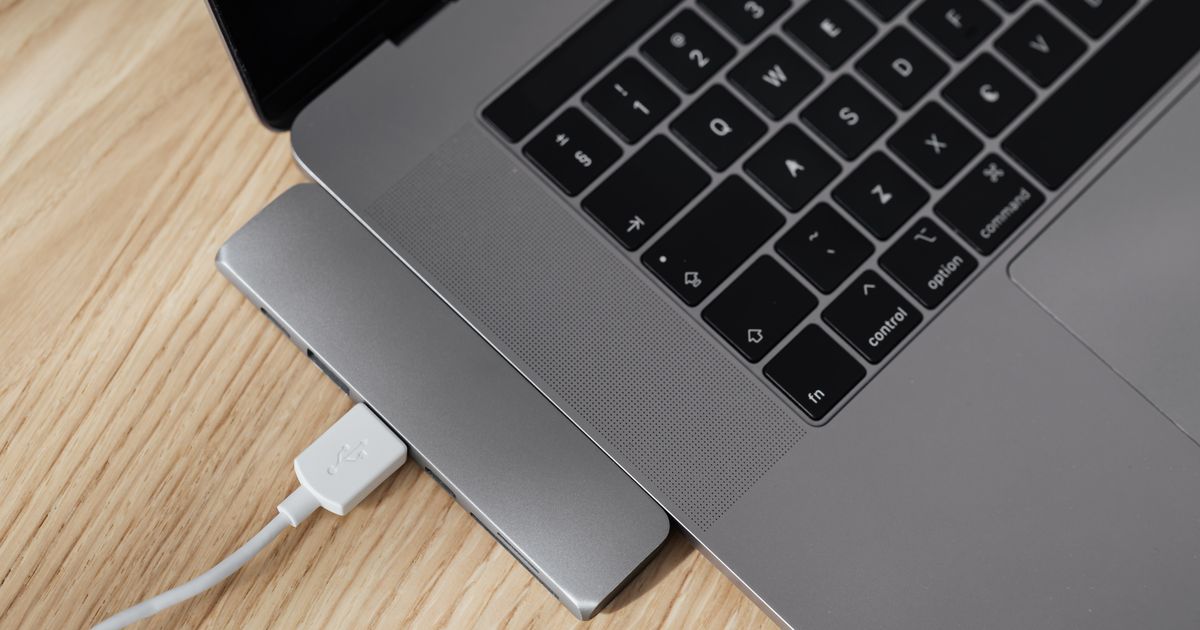
A monitor, a mouse, a memory stick and the charger all plugged into one USB-C port, on a laptop that came with too few.
As an Amazon Associate we earn from qualifying purchases. It costs you nothing extra. How this works
The top 5 at a glance
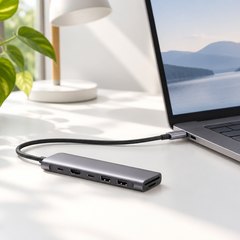
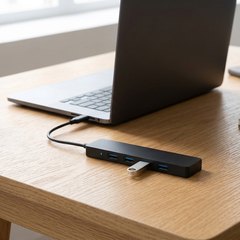
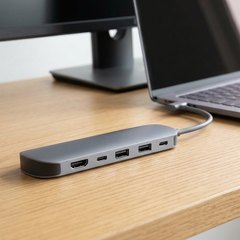
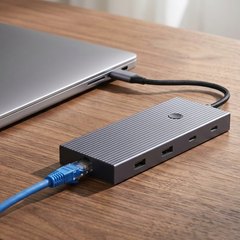
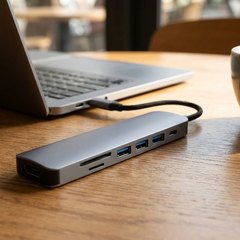
A USB-C hub plugs into one of a laptop’s USB-C ports and turns it into several. Most add an HDMI port for a monitor or TV, a few of the older, rectangular USB-A ports and sometimes slots for camera cards, and the laptop’s own charger plugs into the hub so the port isn’t lost to charging. A plain data hub adds USB ports only.
A screen only works if the laptop’s USB-C port carries video, which makers call DisplayPort Alt Mode, and the laptop’s specs say whether it does. Many charging hubs keep part of the charger’s power for themselves, so the laptop gets less than the charger’s rating.
What matters
- Pass-through charging close to what your laptop’s charger gives.
- 60Hz at 4K, if the screen will show video or games.
- SD and microSD slots, if photos come off a camera card.
- 5Gbps or faster ports for drives, while USB 2.0 suits a mouse.
#1UGREEN Revodok 7-in-1 USB-C Hub (15214)
$20–$30
- SD and microSD readers
- USB-C data port
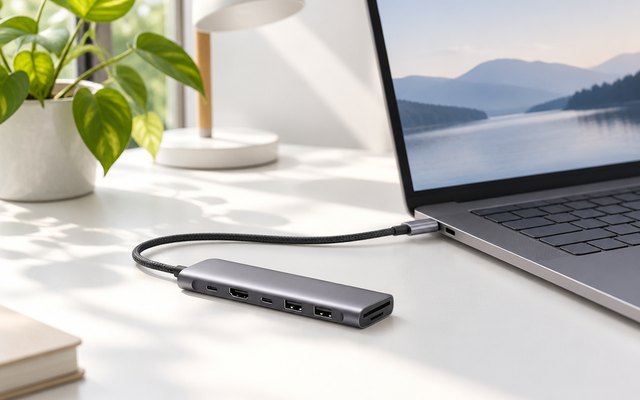
HDMI at 4K, two USB-A ports and a USB-C port at 5Gbps, SD and microSD slots and a 100W charging port, all on one aluminum hub. It leads because Anker’s better-rated 4-port hub adds USB ports only, with no screen output and no laptop charging.
What owners say: Owners like the solid-feeling metal shell and the extra ports on laptops that came with few, and they think highly of its value. Their reviews raise no repeated complaint.
A closer look: The USB-C port nearest the end is for the laptop’s charger only, and neither USB-C port carries a picture, so the HDMI port is the one for a screen. The card slots read at up to 104MB/s, it needs no drivers, and UGREEN gives it a two-year warranty.
Best for: Laptops and iPads
- HDMI output
- 4K at 30Hz
- USB-A ports
- 2 at 5Gbps
- USB-C data ports
- 1 at 5Gbps
- SD and microSD slots
- Yes
- Laptop charging
- 100W pass-through max
- Maker lists it for
- Windows, Mac, Linux, iPad
#2Anker 4-Port USB-C Data Hub (A8309, 5Gbps)
$10–$20
- Four full-size 5Gbps ports
- Long 61 cm (2 ft) cable
- No screen output
- No laptop charging
- No card readers
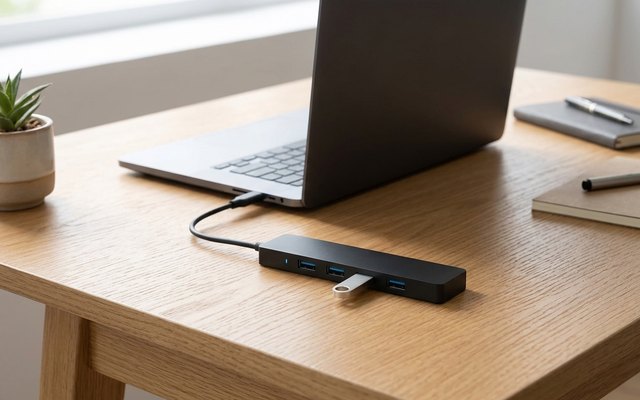
Four full-size USB-A ports at 5Gbps on the end of a 61 cm (2 ft) cable, for a keyboard, a mouse, a printer and a memory stick from one USB-C port. It has no HDMI and no charging port: it’s a hub for adding USB devices, and the long cable lets it sit on the desk away from the computer.
What owners say: Owners report no problems so far, call it handy for linking all their USB devices, and rate both its price and its cable’s length.
A closer look: It runs on what the computer’s USB-C port supplies, with no power input, so it can’t charge anything plugged into it. It’s small enough for a pocket or a laptop bag, and Anker covers it for 18 months.
Best for: USB-A devices
- HDMI output
- None
- USB-A ports
- 4 at 5Gbps
- USB-C data ports
- None
- SD and microSD slots
- No
- Laptop charging
- None
- Maker lists it for
- Windows, Mac, phones, tablets
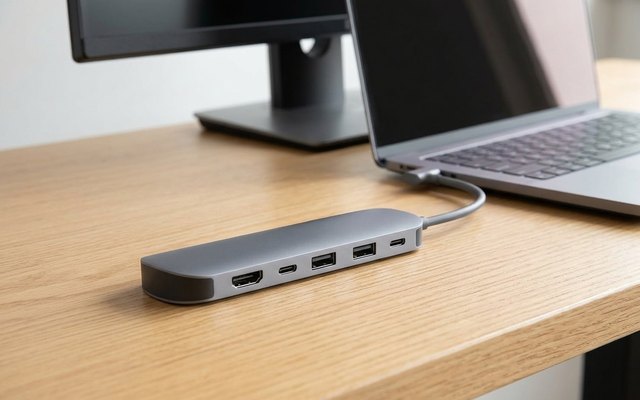
#3Anker 7-in-1 USB-C Hub (A83D2)
$30–$50
- 4K screens at 60Hz
- SD and microSD readers
- USB-C data port
- Not for Linux
HDMI that runs a 4K screen at 60Hz, smoother than 30Hz for scrolling and video, with two USB-A ports and a USB-C port at 5Gbps, SD and microSD slots and up to 85W of charging for the laptop. Anker lists it for Windows and Mac laptops, and not for Linux.
What owners say: Its spread of ports, solid build and compact size win owners over, and they say it does the job and is reasonably priced, though some have concerns about charging a laptop through it.
A closer look: The laptop’s own charger plugs into the hub, and it takes a 100W charger to get the full 85W through, as none comes in the box. The cable is 25 cm (9.8 in) long, and Anker covers the hub for 18 months.
Best for: Running 4K monitors smoothly
- HDMI output
- 4K at 60Hz
- USB-A ports
- 2 at 5Gbps
- USB-C data ports
- 1 at 5Gbps
- SD and microSD slots
- Yes
- Laptop charging
- 85W to the laptop
- Maker lists it for
- Windows, Mac (not Linux)
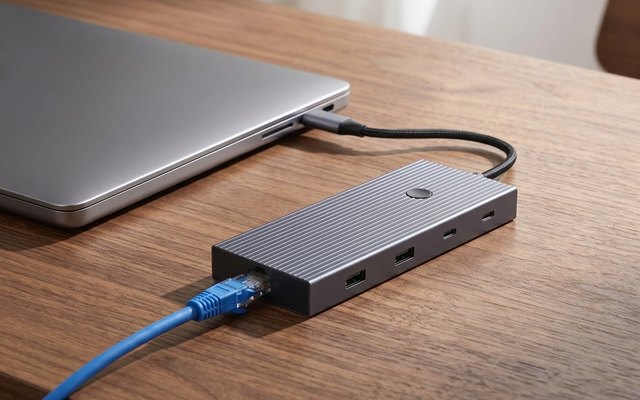
#4UGREEN Revodok Pro 9-in-1 USB-C Hub with Ethernet (75028)
$30–$50
- Gigabit Ethernet port
- 4K screens at 60Hz
- Three 10Gbps data ports
A Gigabit Ethernet port for a wired connection, which UGREEN says is steadier than Wi-Fi, beside HDMI at 4K and 60Hz, two USB-C ports and a USB-A port at 10Gbps, a second USB-A at 5Gbps and SD and microSD slots. A button on the hub blanks the screen without unplugging it.
What owners say: Sturdy construction, good speed and the range of jobs it covers win praise from owners; reliability, heat, durability and value split opinion.
A closer look: Up to 85W of a 100W charger reaches the laptop, with 15W kept for the hub, and the charging port carries no data or picture. The card slots read at up to 170MB/s, handy for unloading a camera card, and UGREEN names Macs, Windows laptops, the iPad Pro and the Steam Deck among the devices it works with.
Best for: Wired internet
- HDMI output
- 4K at 60Hz
- USB-A ports
- 1 at 10Gbps, 1 at 5Gbps
- USB-C data ports
- 2 at 10Gbps
- SD and microSD slots
- Yes
- Laptop charging
- 85W to the laptop
- Maker lists it for
- Windows, Mac, iPad Pro, Steam Deck
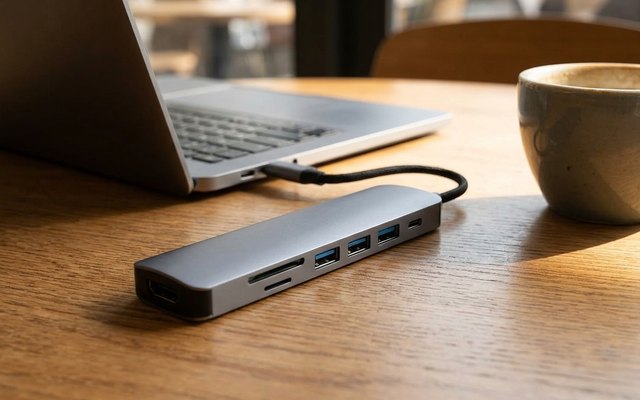
#5UANTIN 7-in-1 USB-C Hub with 4K HDMI and Card Reader
$10–$20
- SD and microSD readers
- No USB-C data port
- Some USB 2.0 ports
HDMI at 4K and 30Hz, three USB-A ports, SD and microSD slots and a charging port rated for up to 100W pass-through, in an aluminum shell that weighs 54 g. Its USB-A ports mix 5Gbps, for a memory stick, with slower USB 2.0, which is fine for a keyboard or mouse.
What owners say: Owners say it has every port they need and call it convenient, though they’re divided over whether it works properly, how steadily it stays connected and its value.
A closer look: Its one USB-C port is for the laptop’s charger, so memory sticks and drives go in the USB-A ports. A camera card goes straight into its SD or microSD slot, and at 7 cm (2.8 in) long it slips into a laptop sleeve.
Best for: Cost friendly
- HDMI output
- 4K at 30Hz
- USB-A ports
- 3: 5Gbps and USB 2.0
- USB-C data ports
- None
- SD and microSD slots
- Yes
- Laptop charging
- 100W pass-through max
- Maker lists it for
- Windows, Mac, Linux, iPad
Side by side
How they compare
Swipe sideways or rotate device to see all 5.
| Feature | #1UGREEN Revodok 7-in-1 | #2Anker 4-port data hub | #3Anker 7-in-1 | #4UGREEN Revodok Pro 9-in-1 | #5UANTIN 7-in-1 |
|---|---|---|---|---|---|
| Best overall | Best premium | Best budget | |||
| Picked Rating | 9.0 | 9.2 | 8.9 | 8.8 | 8.8 |
| Price | $20–$30 | $10–$20 | $30–$50 | $30–$50 | $10–$20 |
| HDMI output | 4K at 30Hz | None | 4K at 60Hz | 4K at 60Hz | 4K at 30Hz |
| USB-A ports | 2 at 5Gbps | 4 at 5Gbps | 2 at 5Gbps | 1 at 10Gbps, 1 at 5Gbps | 3: 5Gbps and USB 2.0 |
| USB-C data ports | 1 at 5Gbps | None | 1 at 5Gbps | 2 at 10Gbps | None |
| SD and microSD slots | Yes | No | Yes | Yes | Yes |
| Laptop charging | 100W pass-through max | None | 85W to the laptop | 85W to the laptop | 100W pass-through max |
| Maker lists it for | Windows, Mac, Linux, iPad | Windows, Mac, phones, tablets | Windows, Mac (not Linux) | Windows, Mac, iPad Pro, Steam Deck | Windows, Mac, Linux, iPad |
| Best for | Laptops and iPads | USB-A devices | Running 4K monitors smoothly | Wired internet | Cost friendly |
| Buy now | Amazon | Amazon | Amazon | Amazon | Amazon |
Spotted a mistake or something out of date? Tell usBack to top

